Phases and colours
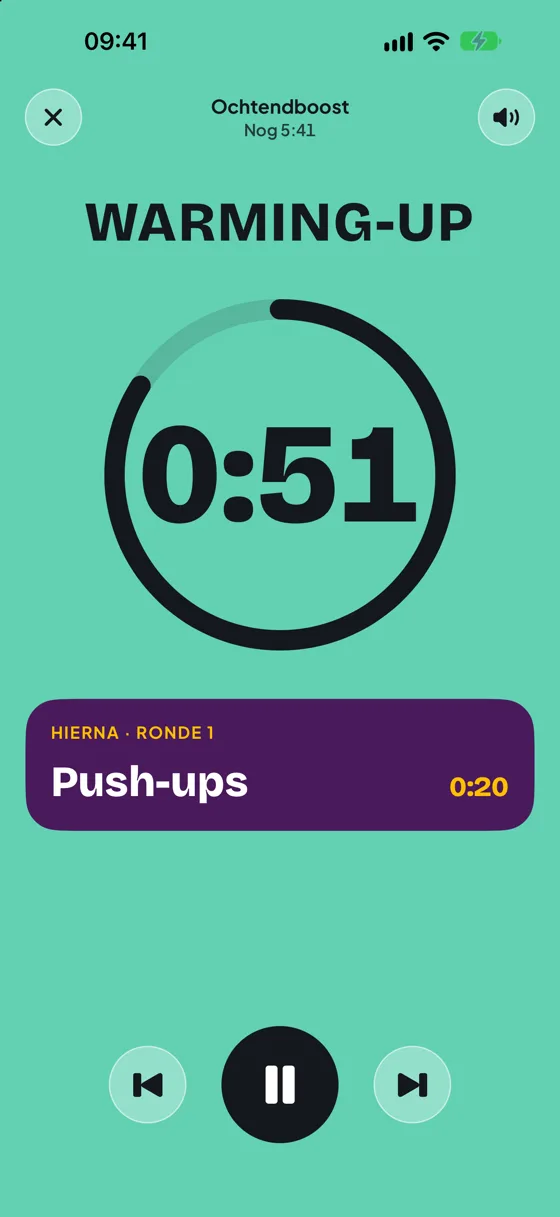
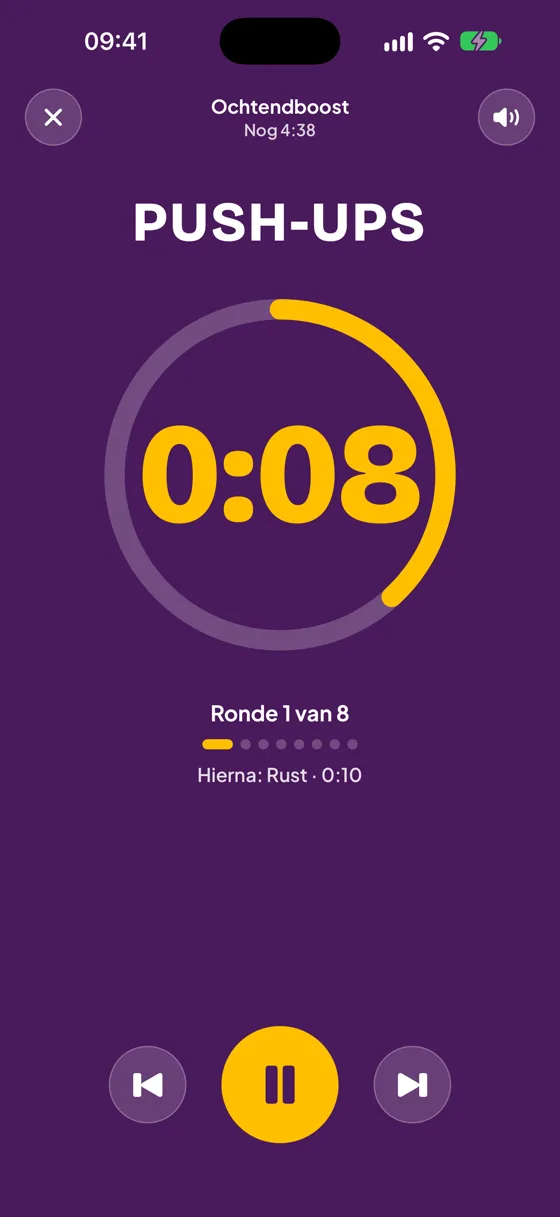
Every phase has its own colour, so you can see where you are from a distance:
- Warm-up: a calm gradient from blue through green and yellow to orange and red.
- Work: yellow digits on purple.
- Rest: dark digits on yellow.
- Cool-down: the gradient in reverse, from red back to blue.
The ring follows the phase. Below the ring you see what comes next.
During the workout
- Pause: the big button at the bottom. Tap again to carry on.
- Previous and next: jump to the start of the phase, or skip it.
- Speaker at the top right: turn DoHiit's sound off or on for a moment.
- Cross at the top left: stop the workout. DoHiit first asks whether you are sure.
The screen stays on while the workout runs. You hear and feel the 3-2-1 before every change.
Got a call or closed the app?
The timer works with fixed end times. If you get a call, close the app or restart your iPhone, your workout simply carries on where it was. Open DoHiit and you see the right time.
On your Lock Screen and in the Dynamic Island
During a workout the timer also appears on your Lock Screen and, on iPhones that have one, in the Dynamic Island. You see the phase, the time and the round, and you can pause or go to the next phase without opening the app.
Still stuck?
Email us and we'll help you out. Tell us which iPhone you have and which version of iOS.